Error Handling in JavaScript: Try, Catch, Finally
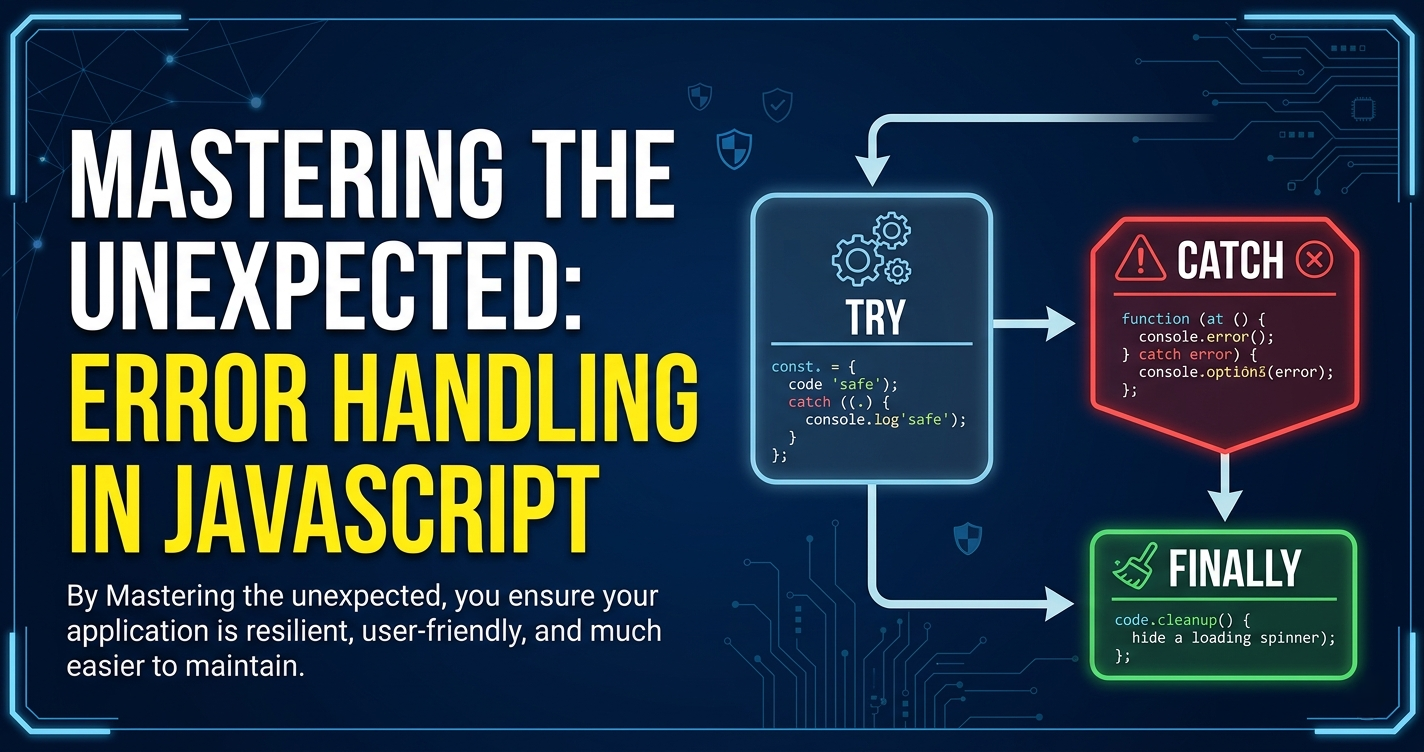
In a perfect world, code runs smoothly. In the real world, servers go down users type "banana" into age fields, and API returns unexpected nulls. Without a safety net these hiccups don't just cause glitches—they crash your entire application.
Here's you can use try, catch, and finally to keep your JavaScript running even when things go wrong.
What are Errors in JavaScript?
In JavaScript, an error is an object that represents an abnormal condition. When the engine encounters something it can't handle—like calling a function that doesn't exist—it "throws" an error.
Common Runtime Errors include:
ReferenceError: Using a variable that hasn't been declared.
TypeError: Performing an operation on the wrong data type (e.g.,
null.map()).SyntaxError: Writing code that the engine literally cannot read (though these usually stop the script before it even starts).
The Safety Net: try and catch
The try...catch statement allows you to test a block of code for errors while defining a specific way to handle them if they occur. This is known as graceful failure.
try {
  // Code that might fail
  const data = JSON.parse(invalidJsonString);
  console.log("This line will not run if an error occurs above.");
} catch (error) {
  // Code to handle the error
  console.error("Oops! We couldn't parse that data:", error.message);
}
The
tryblock: You wrap the risky code here.The
catchblock: If an error occurs in thetryblock, execution jumps here immediately. Theerrorobject provides details like thenameandmessage.
The "Clean Up" Crew: The finally Block
Sometimes, you need code to run regardless of whether an error happened or not. This is where finally comes in. It’s most commonly used for "cleanup" tasks, like closing a database connection or hiding a loading spinner.
let isLoading = true;

try {
  fetchData();
} catch (err) {
  showErrorMessage();
} finally {
  isLoading = false; // This runs no matter what
  console.log("Request attempt finished.");
}
Taking Control: Throwing Custom Errors
You don’t have to wait for JavaScript to notice a problem. You can throw your own errors based on business logic using the throw keyword.
function withdrawMoney(amount, balance) {
  if (amount > balance) {
    throw new Error("Insufficient funds!"); // Creating a custom error
  }
  return balance - amount;
}

try {
  withdrawMoney(100, 50);
} catch (e) {
  console.log(e.message); // "Insufficient funds!"
}
Why Error Handling Matters
Writing error-handling code might feel like extra work, but it’s the hallmark of a professional developer for three reasons:
Graceful Failure: Instead of a white screen or a frozen "Submit" button, the user gets a helpful message: "Sorry, we're having trouble reaching the server. Please try again later."
Debugging Benefits: By catching errors and logging them (to the console or a service like Sentry), you get a clear map of exactly where and why your app failed.
Security: Unhandled errors can sometimes leak sensitive stack trace information to the browser. Proper
catchblocks allow you to control exactly what the user sees.
Summary Table
| Block | Purpose | Required? |
|---|---|---|
try |
Contains the code that might cause an error. | Yes |
catch |
Executes only if an error is thrown in the try block. |
Optional (if finally is present) |
finally |
Executes after try and catch, regardless of the outcome. |
Optional |


