Async Code in Node.js: Callbacks and Promises
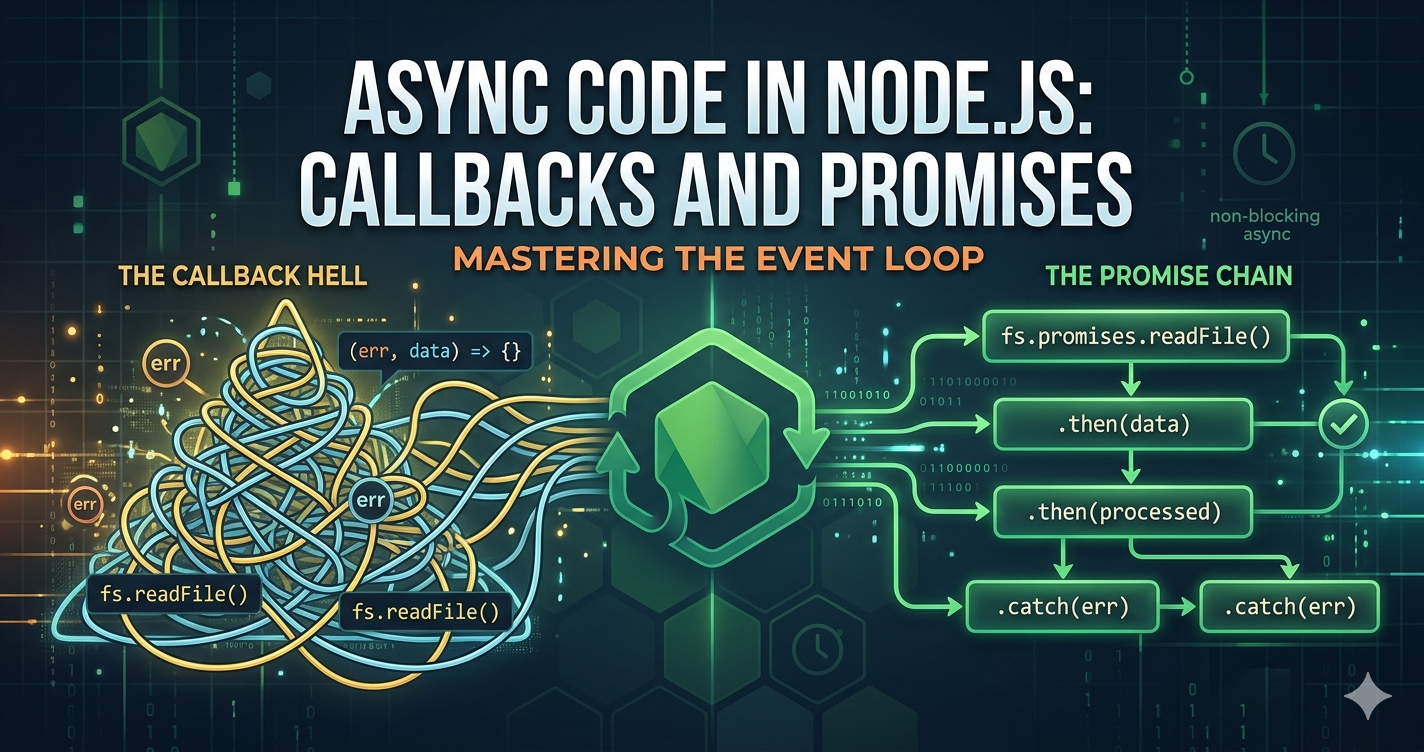
Node.js is built on a fundamental paradox, it is single-threaded in nature yet it is one of the most efficient environments for handling concurrent operations. The secret to this efficiency lies in its Asynchronous nature.
Why Async Code Exists in Node.js
In traditional synchronous programming, the execution of code happens line-by-line. If a program needs to read a massive file from a disk or request data from an API, the entire process "blocks" or pauses until that operation finishes. Node.js uses an Event Loop.
Instead of waiting for a slow I/O (Input/Output) operation to complete, Node.js offloads the task of the system kernel or a thread pool. This allows the main thread to remain free to handle other incoming requests, making it incredibly scalable for real-time applications and web servers.
Callback-Based Async Execution
For a long time, Callbacks were the primary way Node.js handled asynchronous tasks. A callback is simply a function passed as an argument to another function, which is then invoked once the task is completed.
Scenario: Reading a File
Imagine, we want to read a configuration file and log its contents. Using the fs (File System) module, the flow looks like this:
const fs = require("node:fs");

console.log("Starting file read...");

fs.readFile("config.json", "utf8", (err, data) => {
    if (err) {
        console.error("Error reading file:", err);
        return;
    }
    console.log("File content:", data);
});

console.log("Moving on to other tasks!");
The Step-by-Step Flow:
Call:
fs.readFileis called. Node.js handovers the reading task to the OS.Continue: Node.js does not wait. It immediately moves to the next line and logs "Moving on to other tasks".
Complete: Once the OS finishes reading the file, the callback function is pushed onto the task queue.
Execute: The Event Loop picks up the callback and executes the logic inside (either logging the data or the error).
The Problem: Callback Hell
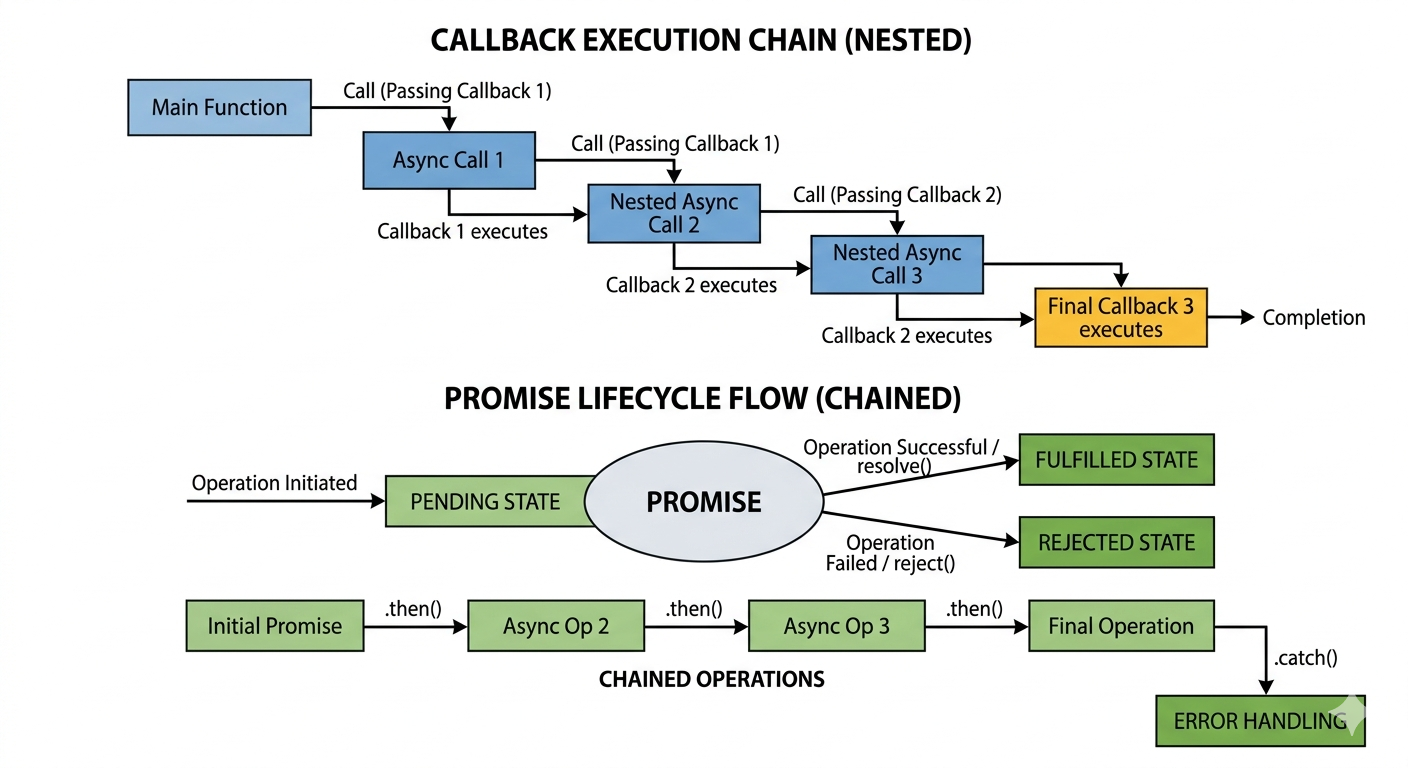
While callbacks work for simple tasks, they become unmanageable when multiple async operations depend on each other. This leads to Nested Callbacks, often referred to as "Pyramid of Doom" or "Callback Hell".
fs.readFile('user.json', (err, user) => {
    if (err) return handleError(err);

    db.findOrders(user.id, (err, orders) => {
        if (err) return handleError(err);

        emailService.send(user.email, orders, (err, status) => {
            if (err) return handleError(err);
            console.log("Success!");
        });
    });
});
Issues Include:
Poor Readability: The code grows horizontally, making it hard to follow.
Fragile Error Handling: You must check for
errat every single level.Tight Coupling: It's difficult to rearrange or refactor steps.
Promise-Based Async Handling
To solve the callback mess, ES6 introduced Promises. A Promise is an object representing the eventual (or failure) of an asynchronous operation and its resulting value.
A Promise exists in one of three states:
Pending: Initial State.
Fulfilled: Operation completed successfully.
Rejected: Operation failed.
Benefits of Promises
Chaining: Promises allows you to "chain" operations using
.then(), keeping the code linear.Centralized Error Handling: You can use a single
.catch()at the end of a chain to handle any error that occurred in the previous steps.Improved Readability: The flow looks more like a sequence of logical steps.
Comparison: Readability & Structure
Let's look at how the nested callback example improves with Promises (using a Promisified version of the functions):
Callback Version:
Intended and "triangular".
Error handling repeated three times.
Promise Version:
fs.promises.readFile('user.json')
    .then(user => db.findOrders(user.id))
    .then(orders => emailService.send(user.email, orders))
    .then(status => console.log("Success!"))
    .catch(err => console.error("An error occurred:", err));
The Promise version reads like a sentence: "Read the file", then find orders, then send the email, and catch any errors". It transforms complex, nested logic into a clean, vertical flow that is easier to debug and maintain.


