Async/Await in JavaScript: Writing Cleaner Asynchronous Code
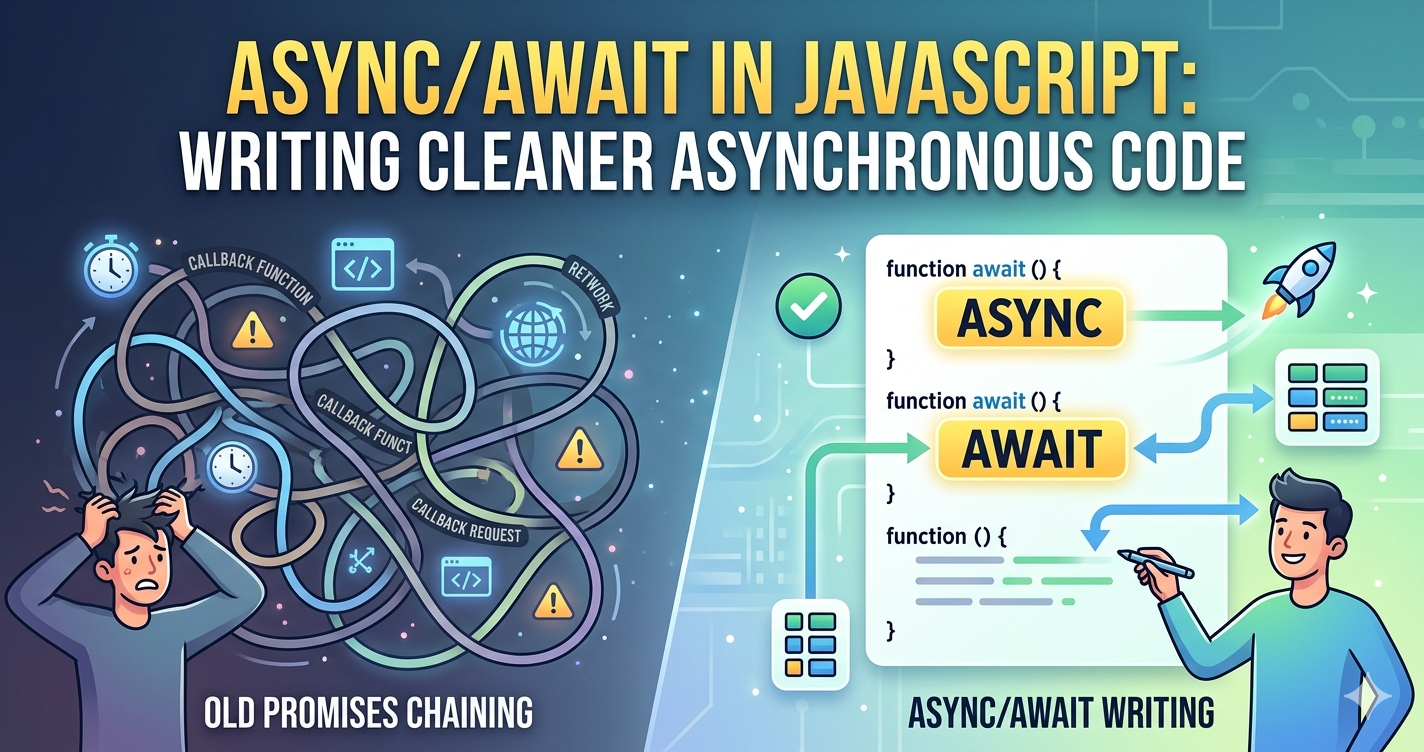
The evolution of JavaScript has always been a quest for better ways to handle time-consuming tasks like API calls, database queries, or file reading. From the early days of "Callback Hell" to the era of Promises, the language has finally landed on a syntax that makes asynchronous code look and behave almost like synchronous code: Async/Await.
Why Async/Await Was Introduced
Before Async/Await we relied heavily on Promises. While Promises were a massive upgrade over nested callbacks they introduced their own "chaining" complexity. When you have multiple sequential operations, you code becomes a long string of .then() and .catch() blocks.
Async/Await was introduced in ES2017 to solve this. It is often described as syntactic sugar it doesn't actually change how JavaScript works under the hood (it still uses Promises), but it provides a much more readable and "flat" way to write that logic.
How Async Functions Work
To use this feature, you start by defining a function with async keyword. An async function always returns a Promise. If you return a simple value like a string or number, JavaScript automatically, wraps it in a resolved Promise.
The Power of the await Keyword
The await keyword can only be used inside an async function. It tells JavaScript to pause the execution of that function until the Promise is settled (either resolved or rejected).
How it Improves Readability
Instead of nesting logic inside .then() you can assign the result of a Promise directly to a variable.
The Old Way (Promises):
function getUserData() {
  fetch('https://api.example.com/user')
    .then(response => response.json())
    .then(data => console.log(data))
    .catch(err => console.error(err));
}
The Modern Way (Async/Await):
async function getUserData() {
  const response = await fetch('https://api.example.com/user');
  const data = await response.json();
  console.log(data);
}
In second example, the code reads top-to-bottom. It's easier to follow because it mimics the way our brains think about sequential steps.
Error Handling with Async Code
In standard Promises, you can .catch(). With Async/Await, we go back to a classic programming pattern: try...catch. This is arguably the biggest benefit of a new syntax, as it allows you to handle both synchronous and asynchronous errors in the same block.
async function fetchData() {
  try {
    const response = await fetch('https://api.invalid-url.com');
    const data = await response.json();
    return data;
  } catch (error) {
    console.error("Oops, something went wrong:", error.message);
  }
}
Comparison: Promises vs. Async/Await
| Feature | Promises (.then) | Async/Await |
|---|---|---|
| Code Style | Chained/Functional | Procedural/Linear |
| Readability | Can get messy with many chains | Very clean and easy to scan |
| Error Handling | .catch() |
try...catch |
| Debugging | Harder to set breakpoints in chains | Behaves like normal synchronous code |
Final Thoughts
Async/Await isn't a replacement for Promises—it's a better way to use them. By treating asynchronous operations as sequential steps, you reduce cognitive load and make your codebase much easier for others (and your future self) to maintain.


